ENGINES
Two engines, one workspace.
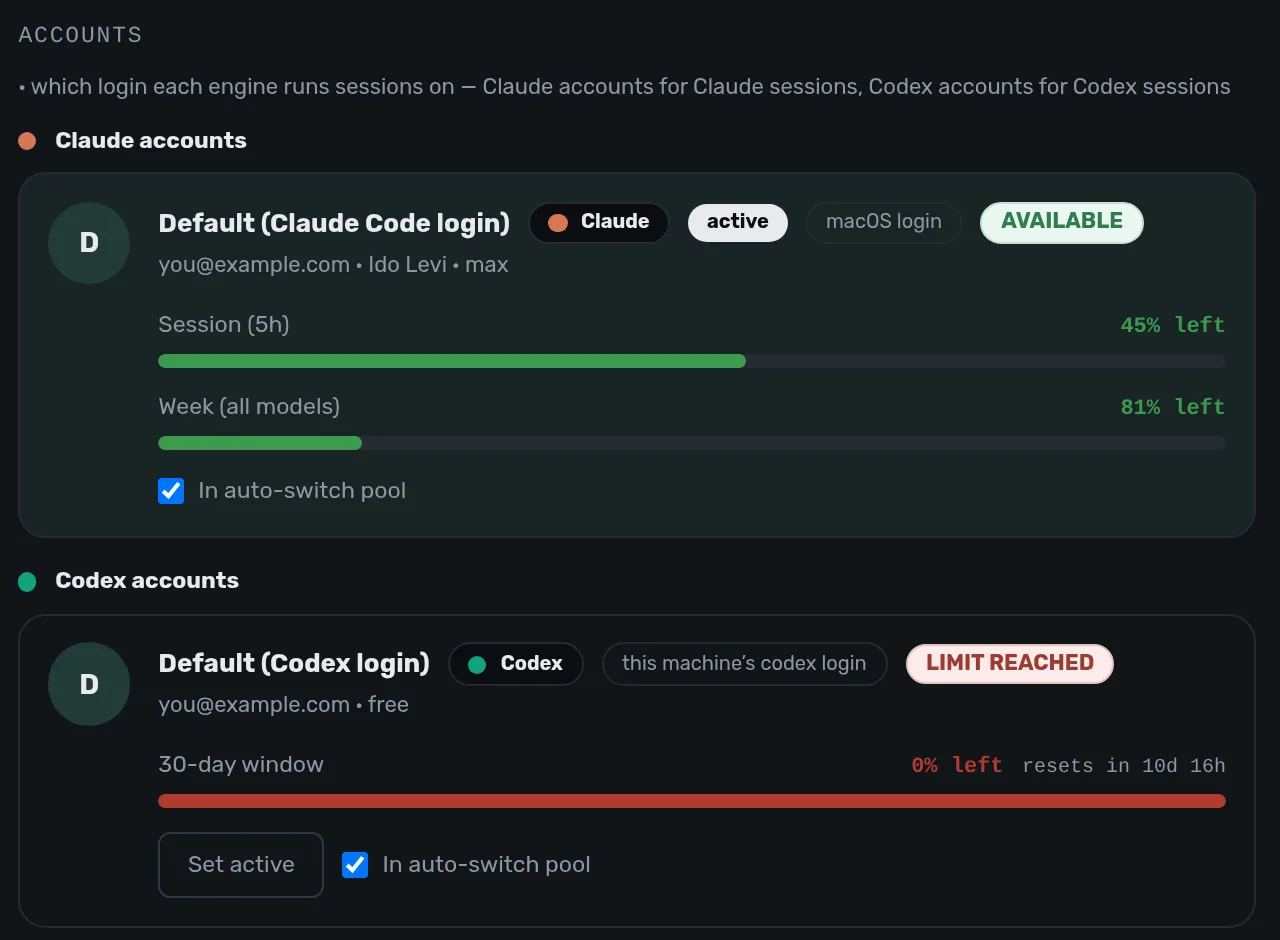
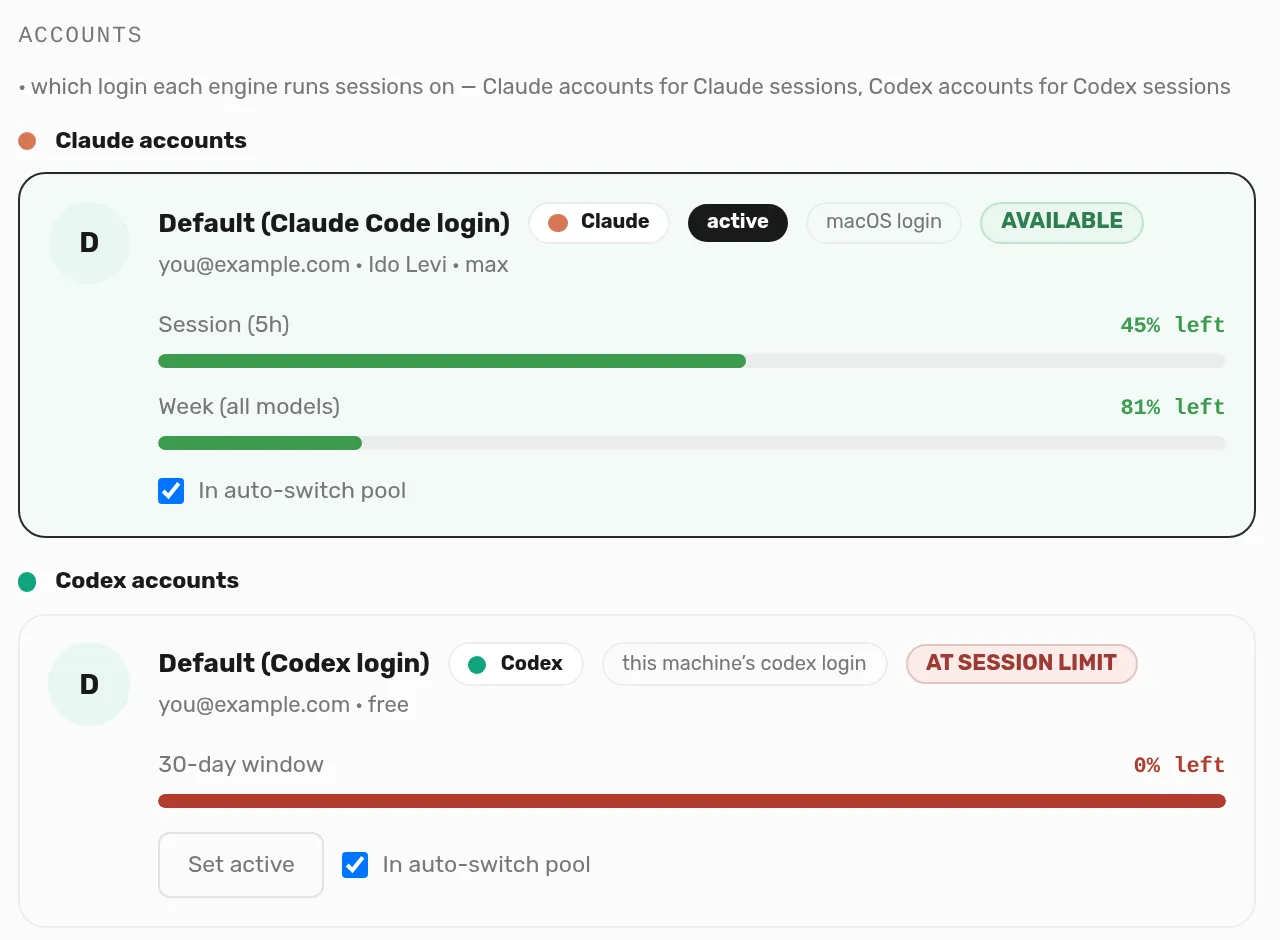
Choose Claude Code or Codex for each session. Both use the same interface.
Choose an engine when you start a session.
Shared connections, memory, and skills. Run on your computer or a cloud server. Add extensions for your workflow.
The shared layer keeps connections, memory, and skills on your laptop or cloud server. Use your phone for remote access.
Bundling an engine with an app ties your workspace to a vendor. Changing engines should not mean starting over.
Your connections, memory, and skills belong to you. Keep them in one workspace, whether you choose Claude Code or Codex.
Agents run on a real computer, locally or in the cloud. They pause for passwords and payments. Use Take over to complete these steps yourself.
Build extensions from the chat as your workflow changes. Add what you need without waiting for a release.
Choose Claude Code or Codex for each session. Both use the same interface.
Choose an engine when you start a session.
Both engines use the shared layer for connections, memory, skills, and MCP tools. The exception is claude.ai connectors, which are Claude-only.
Manage connections in Settings.
Each agent has its own desktop running in the background. At a password or payment step, it pauses. Use Take over to complete the step on its screen.
Get a notification on your phone and use Take over to enter the password.
 Your approval
Keep chat, code changes, the team board, a live browser, artifacts, and extensions in one window. Review code with Approve and Merge.
One session: Changes, a published artifact and a browser open as tabs next to the chat.
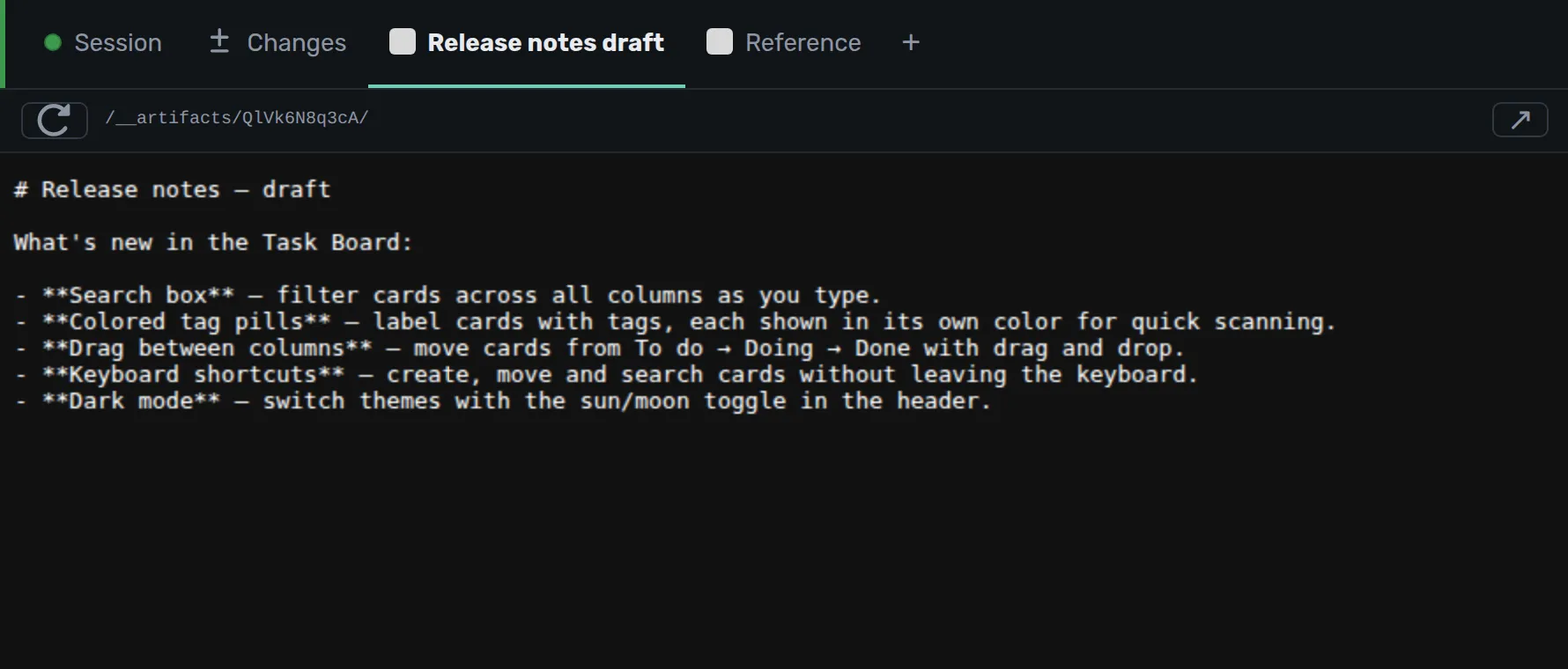
Ask in the chat for an invoice tab, an approval gate before Merge, or a webhook. Extensions load in seconds without a restart.
The diagram shows four extension types: tab, Merge gate, listener, and tool.
A separate service in pilot and preview. Each employee gets an isolated Arigami instance through the company IdP using OIDC. Updates run only when sessions are idle. Each instance has full backup and restore.
The diagram shows company sign-in and separate employee instances.
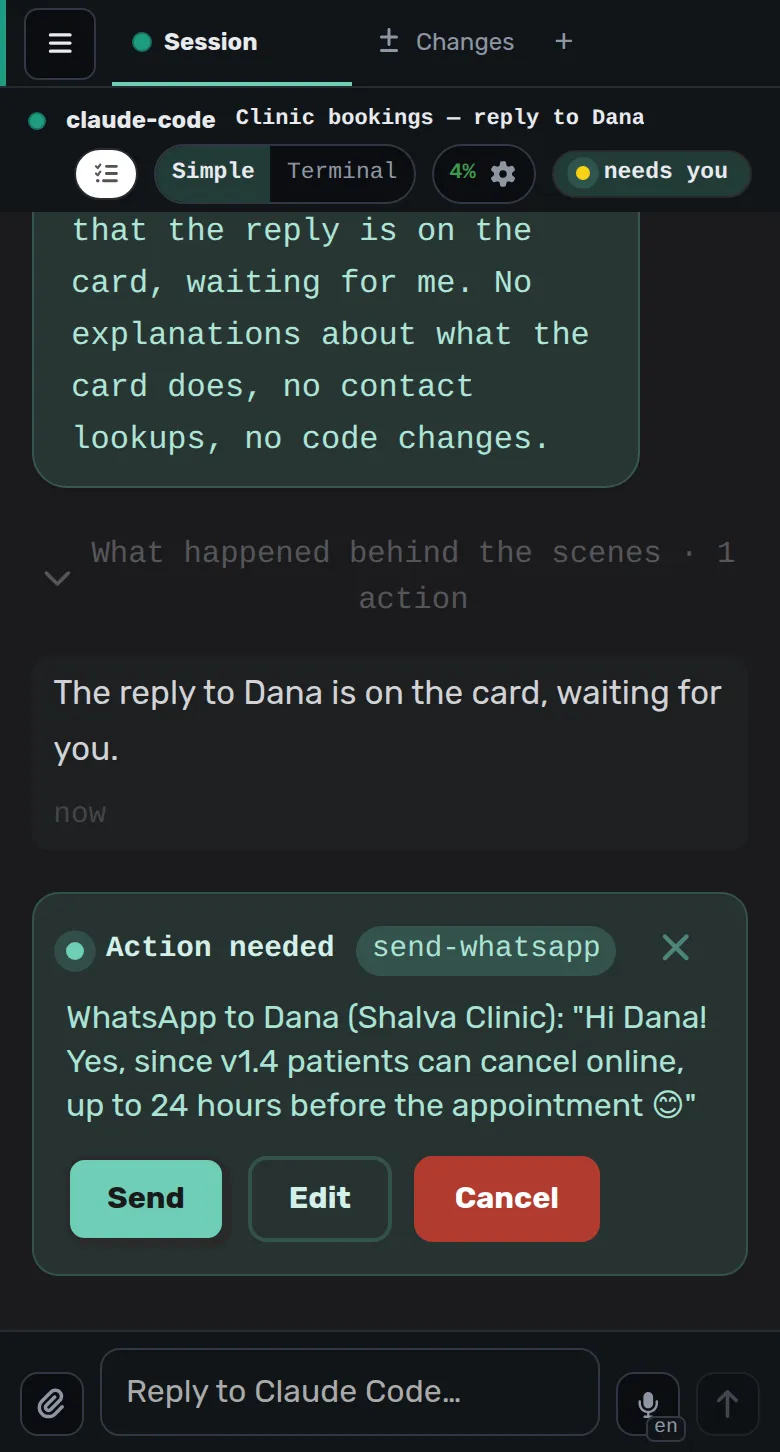
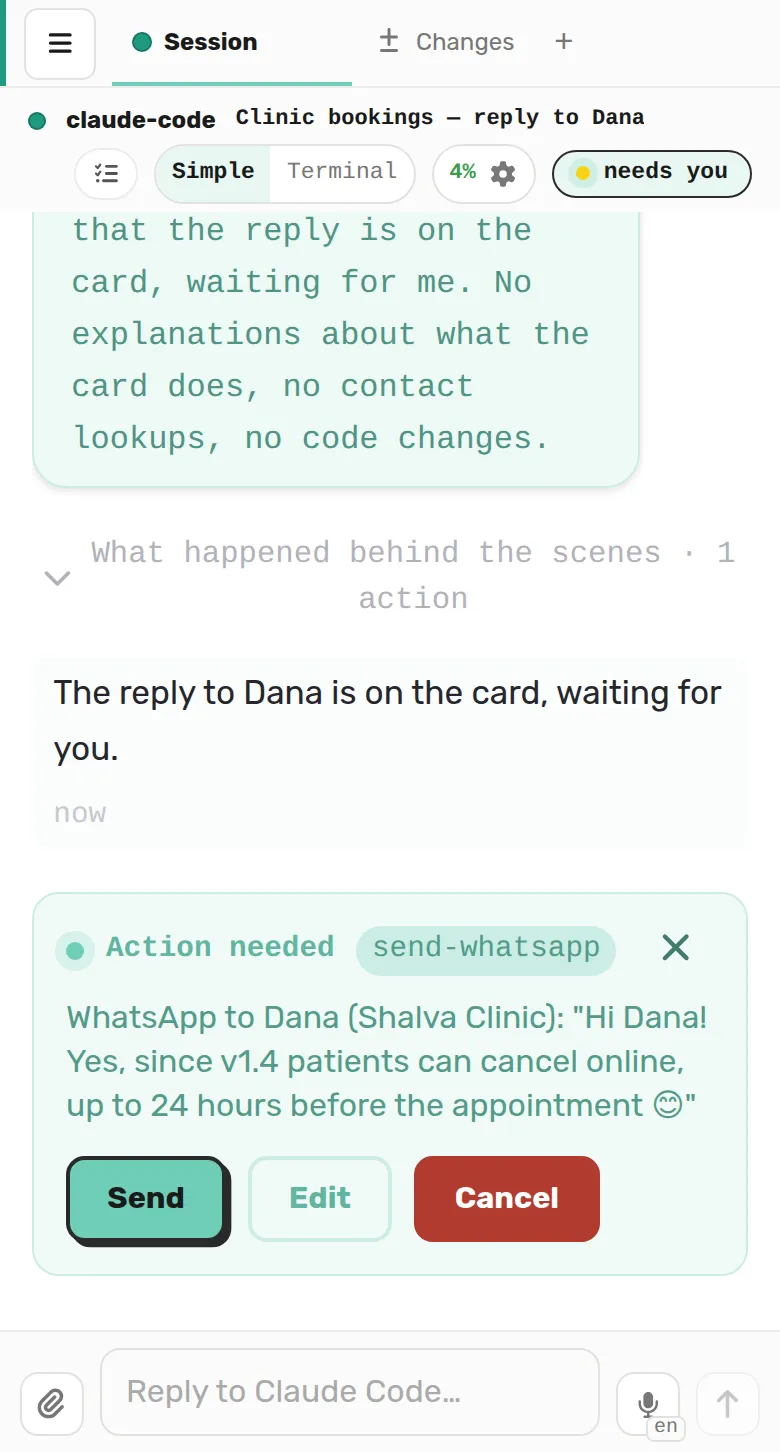
Review an approval card before a message is sent or code is merged.
A manager session starts child sessions to work in parallel in git worktrees.
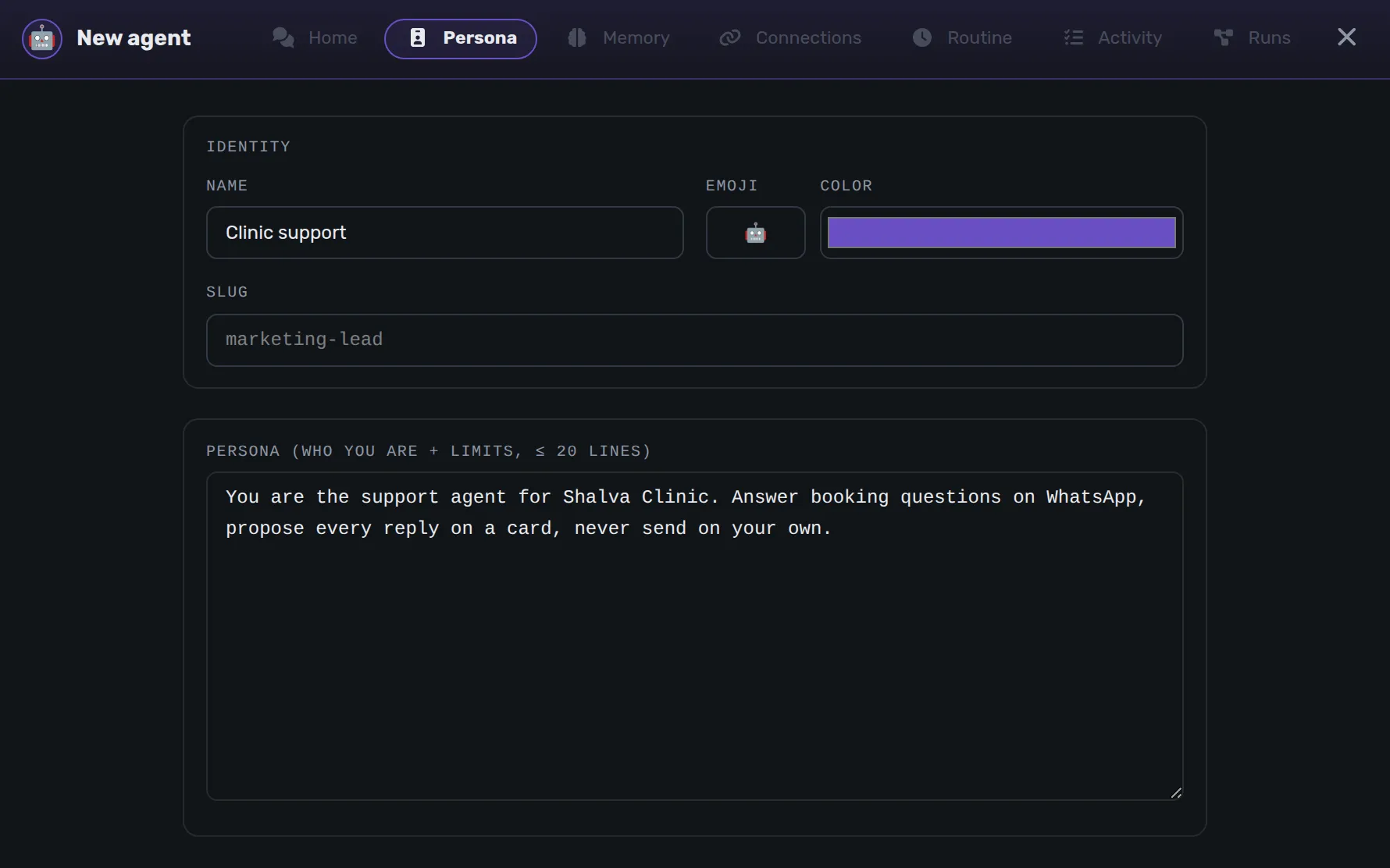
Give each agent a name, personality, memory, allowlist, and daily budget.
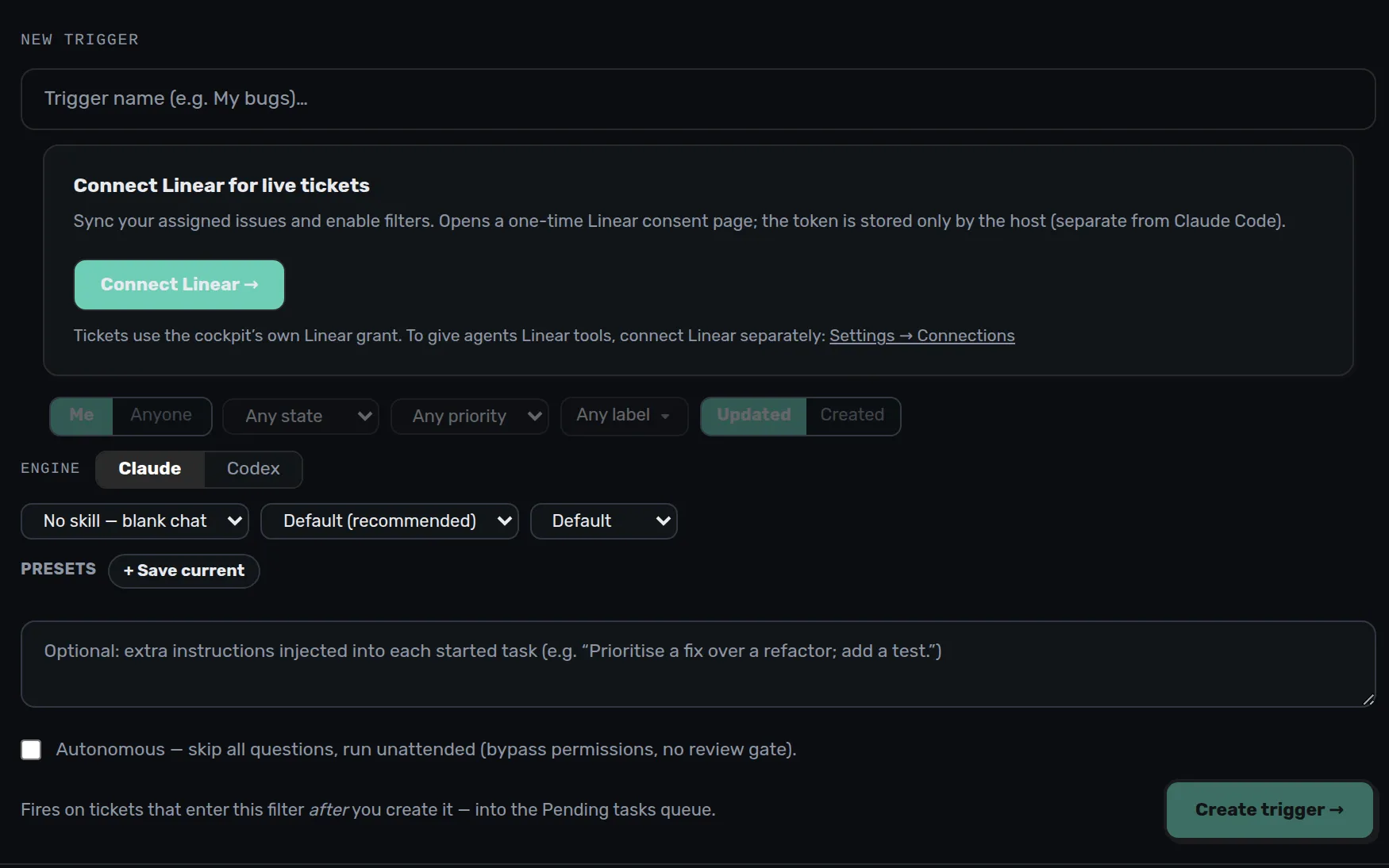
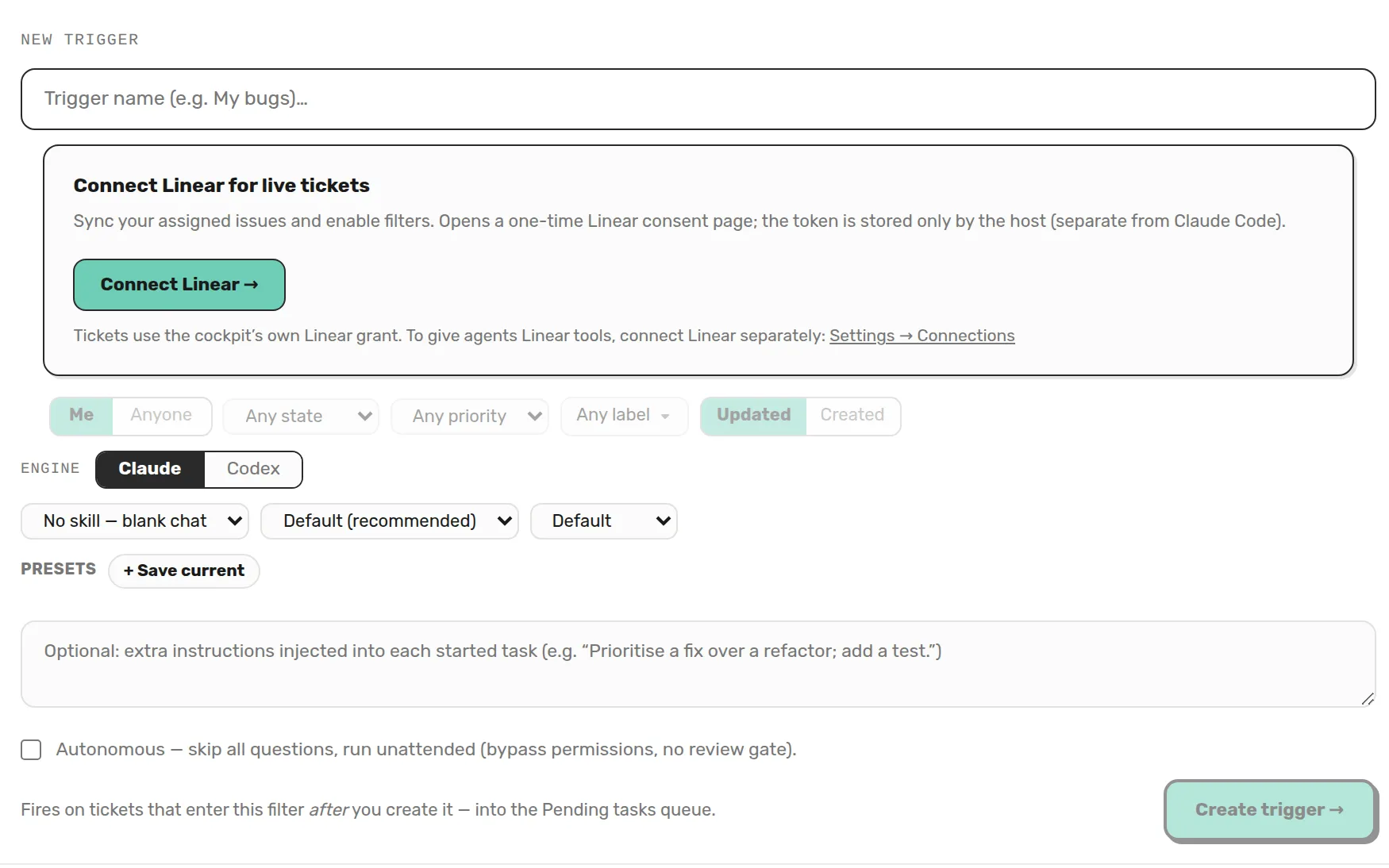
Cron, webhooks, and listeners start sessions even when the browser is closed.
Download the desktop app, or use one prompt to install on a server or with Docker.
Download and open the app. It signs you into the cockpit automatically, without a pairing code.
Requires Claude Code or Codex installed and authenticated on your computer.
Desktop builds are unsigned. macOS and Windows show a warning on first launch. Approve it once. GitHub releases
Paste one prompt into Claude Code on the machine that will run Arigami.
Install Arigami on this machine using the official instructions:
https://github.com/maor700/arigami/blob/master/docs/INSTALL.md

Choose the documented setup for this machine. Follow docs/DOCKER.md if using Docker. Show me the cockpit URL and pairing code when it is ready. Let me enter the code and connect my account myself.
Open the cockpit, enter the pairing code, and connect an account for the engine you want to use.
For phone access, use Tailscale or your own HTTPS proxy. The cockpit itself listens on loopback.
Installation docsAgents run with your permissions. Treat the cockpit as an admin console.
The cockpit listens on 127.0.0.1. For remote access, use Tailscale or your own HTTPS proxy.
The agent pauses at password, 2FA, and payment steps. Use Take over to complete them on its screen. Passwords do not pass through the chat or the model.
Permission cards and allowlists work with Claude Code or Codex. Codex has no local sandbox. The claude.ai connectors are Claude-only.
Telemetry is off by default. Arigami does not collect your prompts, file paths, or usage data.
Each agent is a folder. Skills are Markdown files. Memory lives in plain files on your disk. Arigami is released under Apache-2.0.
$ARIGAMI_DIR/
├── agents/
│   └── kesher/
│       ├── agent.json
│       ├── persona.md
│       └── memory/
├── skills/<name>/SKILL.md
├── memory/
│   ├── USER.md
│   └── MEMORY.md
├── triggers.json
└── state.json